


How to Manage Text Neck Syndrome: Practical Steps
A long scroll can leave your neck stiff before you notice you’ve been looking down. Text neck syndrome is a common name for neck discomfort linked with device posture and long screen sessions. Small changes to your setup and daily habits can help reduce strain.
We analyzed 55 comments and questions from YouTube, Quora and Reddit about text neck syndrome and found that 22% mentioned poor neck posture.
Table of Contents
Step 1: Notice Your Symptoms and Screen Habits
Start by noting what you feel and when it begins. The term “text neck” describes a pattern of neck discomfort linked with looking down at a phone or other screen. It isn’t a diagnosis you can confirm from a symptom list alone.
Common signs include a sore or stiff neck, tight shoulders, upper-back discomfort or a headache. Symptoms may show up after reading on a phone, working at a laptop, or sitting still for a long time. But neck pain has many possible causes, so don’t assume a screen is the only one.
For a few days, keep a short note on your screen use and symptoms. Record the task, how long you’d been doing it, where you felt discomfort and whether a change of position helped. You might notice that your neck aches after reading in bed, while a short walk feels comfortable.
Also watch how you hold your head. When your phone sits near your lap, your chin often drops and your head moves forward. At a desk, you might lean towards a screen that’s too far away. These habits can add up over a long day.
Use your notes to pick one habit to change first. If looking down while scrolling is your main trigger, bring the phone closer to eye level. Our guide to simple ways to fix text neck has more setup and movement ideas.
Check in with yourself again after making that change. Has the ache started later, eased sooner, or stayed the same? This simple record can help you judge whether self-care is helping and explain the pattern if you seek advice.
Step 2: Adjust Your Phone and Workstation Position
Your aim is a screen position that lets you look ahead without holding your neck in one pose. You don’t need to sit stiffly or keep a perfect posture all day. Make the setup comfortable, then change position often.
Bring the screen up to you
When you use a phone, raise it towards eye level and rest your arms when you can. If holding it up feels tiring, switch hands or take a short break. A stand can help when you’re reading for a while, but it shouldn’t make you reach or shrug.
At a desk, place your main screen in front of you. Raise a laptop with a stand if it makes you look down, then use a separate keyboard and mouse so your arms can stay relaxed. Keep the screen close enough to read without leaning towards it.

Set up the rest of your desk
Move the keyboard and mouse close enough that your elbows stay near your sides. Let your feet rest on the floor or on a footrest. If you use a chair with back support, sit close enough to the desk that you don’t have to reach.
Glare can make you lean forward to see the screen. Shift the screen or adjust the light if reflections distract you. If you work on a laptop at different spots, make one change wherever you sit, such as placing it on a firm surface rather than your lap.
Pro Tip:Check your position during one usual task, such as reading email. If your chin is jutting forward, move the screen closer or higher before trying to hold yourself upright.
By now, your screen should be in front of you and high enough to reduce the need to look down. Keep the setup flexible. A comfortable posture is one you can leave and return to, not a pose you must hold.
Step 3: Add Gentle Movement and Regular Breaks
Movement gives you a chance to change position and notice how your neck feels. Start with easy motions. They should feel controlled, not sharp or forced.
Try a short movement break
Set a reminder every 20 to 30 minutes during long screen sessions. When it goes off, look away from the screen, let your arms rest and stand or walk briefly. You can also use the 20-20-20 eye break : every 20 minutes, look at something about 20 feet away for 20 seconds.
Then try a small chin glide . Sit or stand with your eyes facing ahead. Move your chin straight back without tipping your head down. Hold for a few seconds, then relax. Stop if you feel sharp pain, dizziness or tingling.
Next, gently draw your shoulder blades back and slightly down. Keep your shoulders relaxed rather than squeezing hard. Pause briefly, then release. A few easy repetitions are enough to start; don’t push through discomfort.
Build a routine you can repeat
Choose one or two movements that feel comfortable and pair them with a task you already do, such as standing after a meeting. A gentle side stretch may also feel useful: sit tall, keep one shoulder relaxed, and tilt your ear slightly towards that shoulder. Return to centre, then switch sides. Don’t pull your head down with your hand.
Exercise plans can vary. A routine that suits one person may not suit another.
If symptoms increase during a movement, stop and let them settle. Don’t try to copy a demanding routine or force a larger range. If the discomfort keeps returning, seek personalised advice before adding more exercises.
Key Takeaway:Break up long screen sessions with a position change, and keep movements gentle enough to repeat comfortably.
Step 4: Get Personalised Advice if Symptoms Persist
Arrange an assessment if your neck pain keeps returning, limits daily tasks or doesn’t improve with changes to your screen habits. Get advice sooner if pain spreads into an arm, or if you notice numbness, tingling or weakness. Sudden severe symptoms or problems after an injury need prompt medical attention.
A clinician can ask about when the pain began, what makes it worse and how it affects your day. They may also check movement, posture and other signs that help guide next steps. This matters because similar symptoms can have different causes, and one exercise or treatment won’t suit everyone.
Unleashed Health Chiropractic in Ascot Vale starts an initial appointment with a medical history and physical, neurological, orthopaedic and chiropractic examinations, plus a postural assessment. Spinal X-rays are covered by Medicare if clinically indicated. The findings help the chiropractor discuss a plan that fits your needs and health goals.
Care may include a mix of approaches. Unleashed Health Chiropractic lists chiropractic techniques such as Diversified and Thompson Technique, along with dry needling and rehabilitation exercises. A clinician can explain what each approach involves and whether it may be suitable for you. Ask questions before agreeing to care.
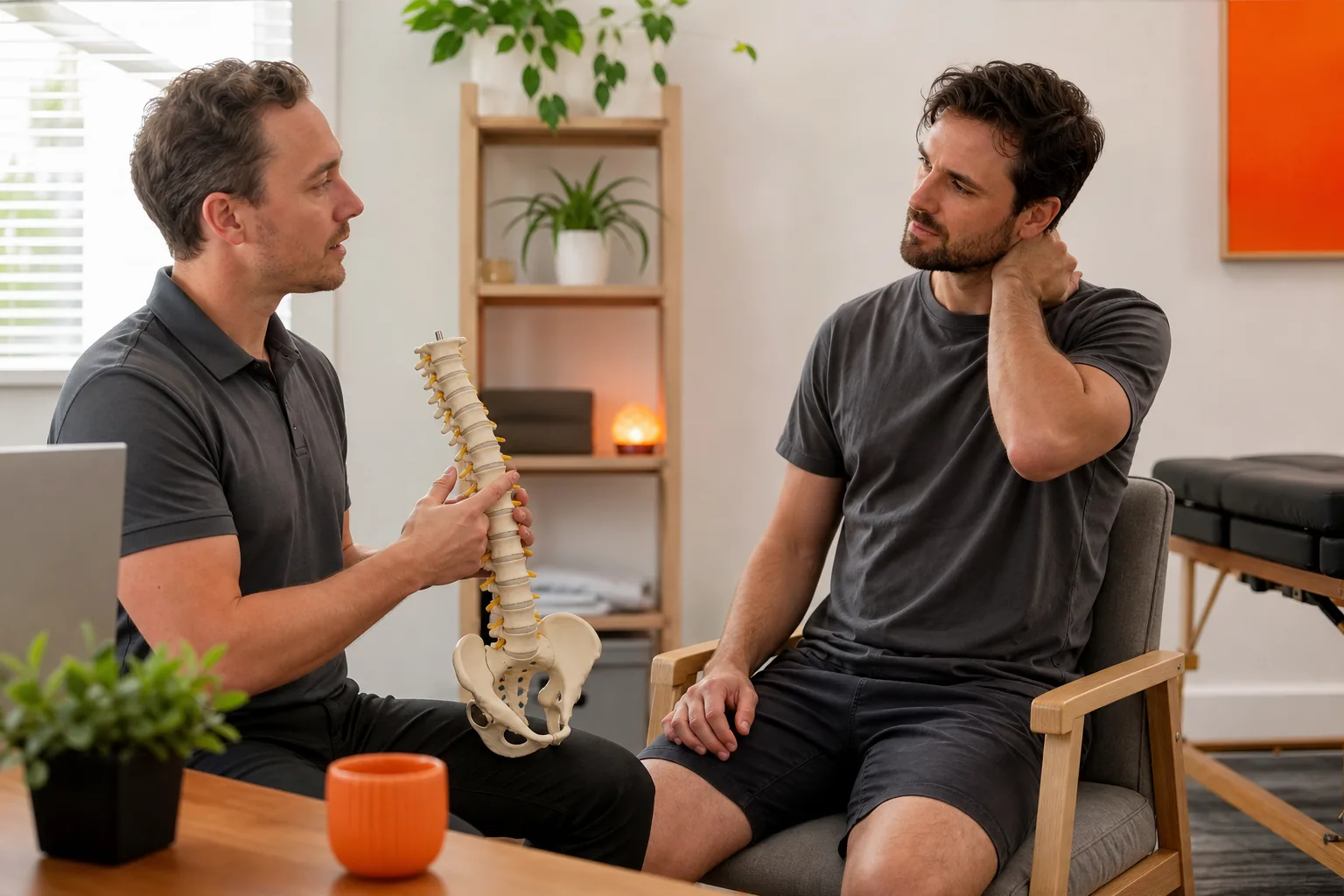
Keep taking part in your care by sharing what changes your symptoms and what doesn’t. Unleashed Health Chiropractic takes an individual approach, and you can discuss your screen habits, comfort and goals during an assessment. If you’d like more local information, see how local chiropractic care in Ascot Vale works .
By the end of an assessment, you should have a clearer view of possible next steps. The right plan may include self-care, guided exercise or other care, depending on your situation. Ask how to adjust or pause the plan if symptoms change.
Frequently Asked Questions
What is text neck syndrome?
Text neck syndrome is a common term for neck discomfort linked with looking down at a phone or other screen for long periods. It can involve neck stiffness or soreness, and some people also notice shoulder or upper-back discomfort. The term doesn’t confirm the cause of your symptoms, so ongoing or worsening pain deserves an individual assessment.
Can looking at my phone cause neck pain?
Looking down at a phone for a long time may contribute to neck strain, especially if you stay in one position. But phone use isn’t the only possible cause of neck pain. Raise the screen when you can, take movement breaks and note whether symptoms change. Seek advice if pain persists or affects normal activities.
How often should I take a screen break?
Try changing position every 20 to 30 minutes during long screen sessions. A brief pause to stand, walk or relax your shoulders can break up time spent looking down. You can also use the 20-20-20 eye break to rest your eyes. Adjust the timing to your task and how your body feels.
When should I get help for neck pain?
Seek professional advice when neck pain persists, keeps returning or interferes with daily tasks. Get assessed sooner if pain travels into an arm or comes with numbness, tingling or weakness. Sudden severe symptoms or pain after an injury need prompt medical attention. A clinician can assess your symptoms and discuss suitable next steps.
Conclusion
Start by raising the screen that makes you look down most, then add regular movement breaks. If symptoms persist or spread, arrange an assessment with a qualified health professional. If you’re in Ascot Vale or nearby, Unleashed Health Chiropractic can discuss an individual assessment and care options with you.


Comments